
■ NovoGov by Novo Solutions · Established 1999
PUBLIC WORKS SOFTWARE
One system flexible enough for every public works department, from fleet and facilities to streets, water, and parks. One asset register, one set of work orders, and reporting that covers all of them.
Trusted by communities in 37 U.S. states, from Rockland, ME to Capitola, CA.
■ Sound familiar
Why every department ends up on its own system
Not all government software for public works can handle the needs of multiple departments. So departments stop waiting and buy their own, and this is what the municipality is left with.
Public works asset management and work order software
NovoGov Public Works Software is one cloud-based system that handles asset management and work orders for every department in public works, from streets and signs to water, wastewater, stormwater, fleet, facilities, parks and solid waste. Some governments call this public works asset management software, public works work order software, or simply a public works management system; the job is the same either way.
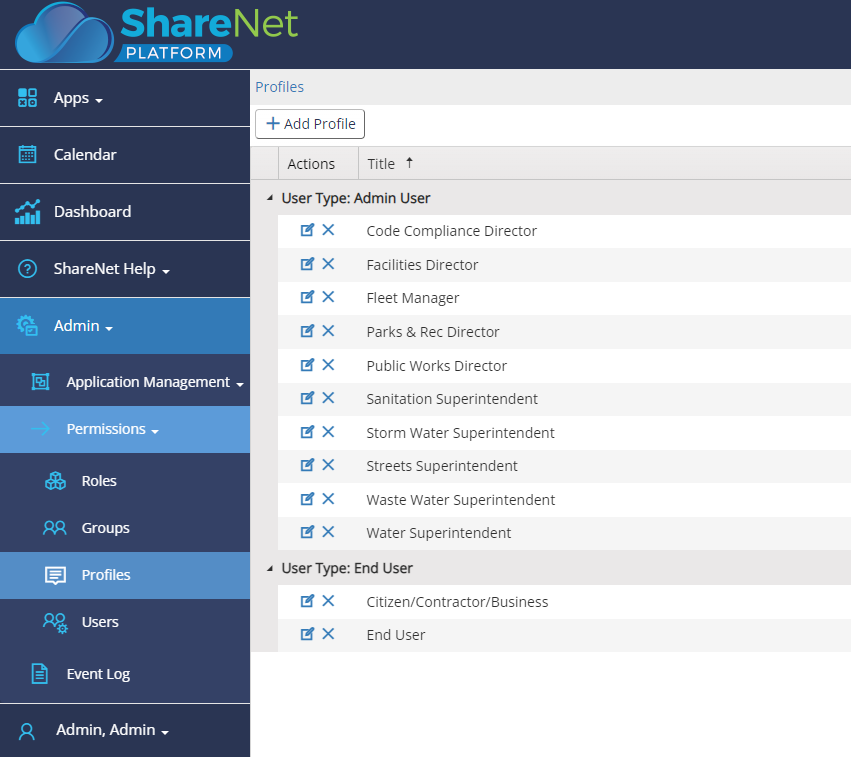
Each department gets its own forms, its own workflows and its own permissions, and works only in what belongs to it, while management reports across all of them. It is built on the same NovoGov Asset Management Software and Work Order Software the individual departments use, so you can have one public works software management system that is flexible enough to work for all of your departments.
■ Hear it from a customer
A public works director on running it
Customer Interview – Public Works Director, City of Oxford, NC
■ One register
Every asset in one place, on one map
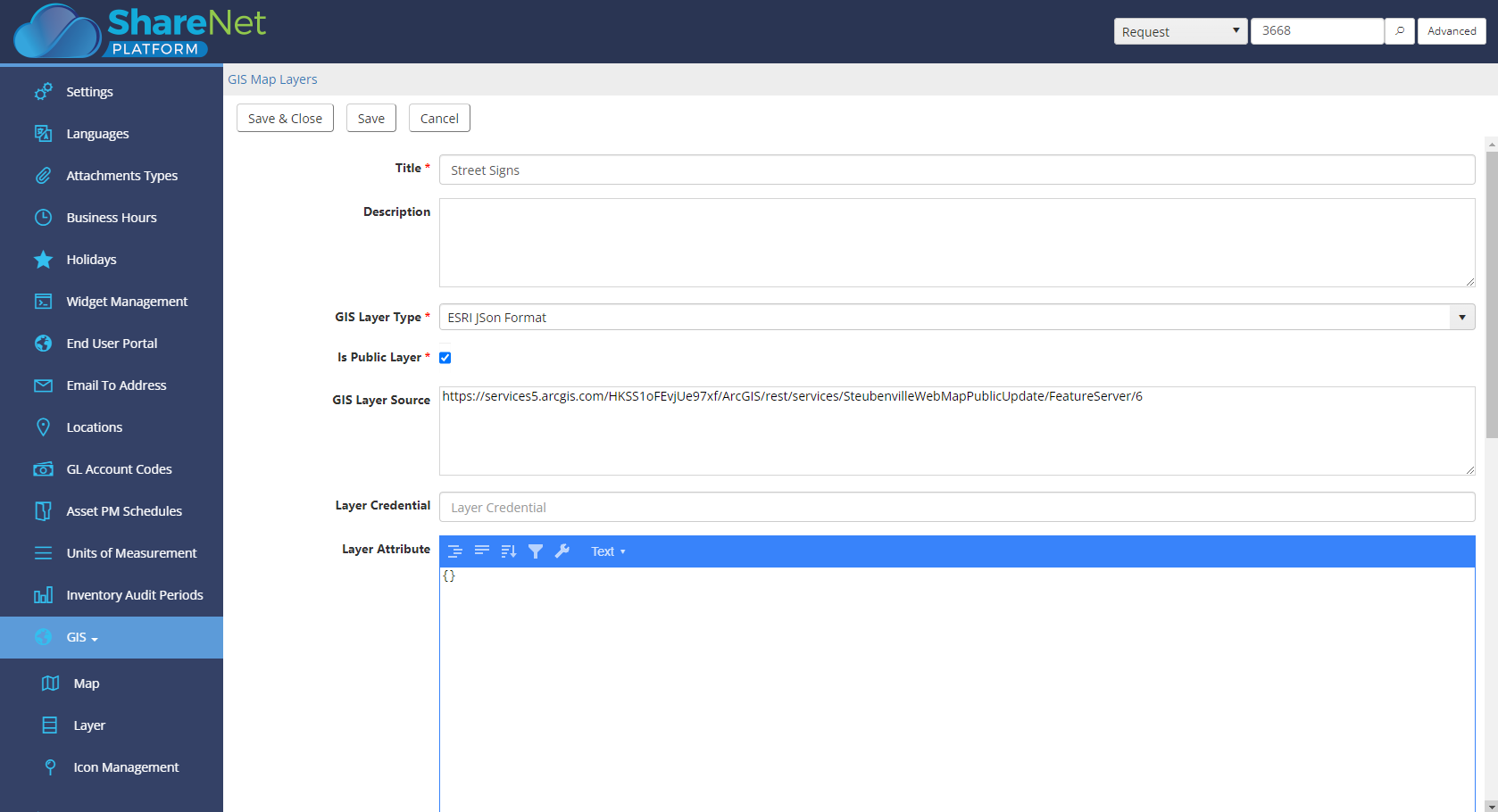
Spreadsheet days are over. All asset information including buildings, property, equipment, signs, roads, storm drains, and more is accessible in one centralized robust public works program. Tag assets and work orders with their exact location and see them on a map, which is what makes the repairs faster.
■ Every department
Work orders that reach the right department on their own
All departments can manage their own projects, repairs and daily maintenance, while requests route automatically to the department that owns them. Complicated, labor-intensive projects have a collaborative environment and instant access to work orders, locations, and more to eliminate bottlenecks.
■ Visibility
Keep management, council and residents informed
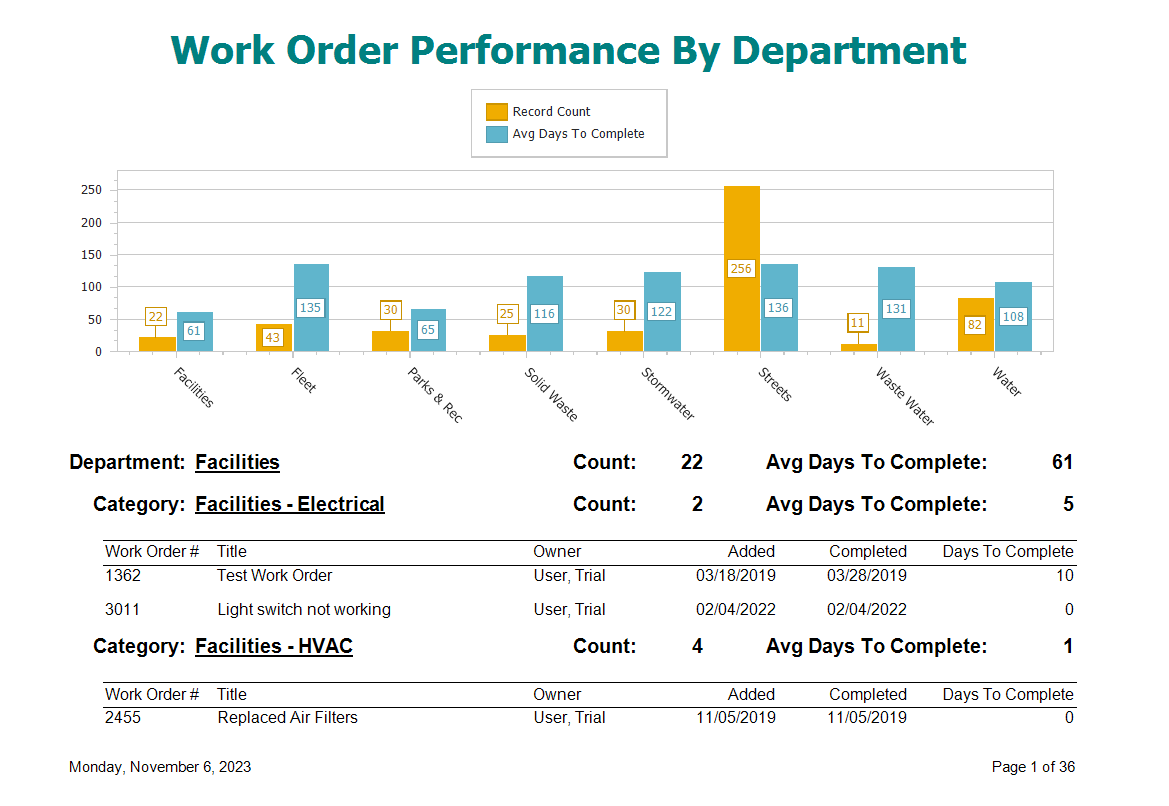
Keep citizens, management, and council members up to date with real time access to assets, work order and project status. Report on maintenance history, future cost projections, staff performance and more, and track work order costs with related parts and labor hours, and track FEMA related costs.
■ One system, nine departments
Track and maintain assets across multiple departments
Nine departments, one asset register, and one set of work orders behind all of them. Open a department to see what it tracks.
What the public works departments need
What the utilities departments need
■ What switching looks like
Going live one department at a time
Departments come across one at a time. Nothing gets turned off until the department that replaces it is running.
What our clients say
Gerry Vernon, Public Works Director

“The Public Works Department in the Town of Winter Park, CO needed a way to track calls for service from the public and log maintenance costs for its fleet. After much research, the system by Novo Solutions was selected. I have found the web-based interface very user-friendly, and the customer service provided by Rich Hunter has been exceptional. This solution is perfect to meet the department’s need to become more efficient and effective.”

Tiffanie Salone, Public Works Office Coordinator

“NovoGov, on the ShareNet Platform, has been a great addition to our Public Works Department and is an integral part of our daily operations. Most of the Administrative staff and I use the NovoGov Requests application. I use the software to review and respond to external public requests, entering requests received via phone and from office visitors. The new request and editing functions are very user friendly and are highly beneficial in providing better customer service and response time.”

David Seugling, Public Works Director
“Switching to NovoGov has been a game changer for our department. It’s streamlined communication, eliminated paperwork, and made it easy for our field crews to update work orders in real time. The system is incredibly flexible and user-friendly — I’d make the switch to NovoGov again in a heartbeat.”
David Seugling – Public Works Director

Todd Philbrook, Public Works Director
“NovoGov works REALLY well for us. It’s easy to enter data, easy to look up complaints, and flexible enough that it can be tailored to match exactly how we operate. The support has been phenomenal, and it’s saving us time across the board.”
Todd Philbrook, Public Works Director

■ Taking it to the board
What this looks like in a council packet
■ Built for government
What your procurement team will ask
■ Questions we get
Public Works Software FAQ
■ Next step
Request a demo
A working session on your own departments, not a slide deck. We will show you the shared asset register, the per-department work order forms, and what the reporting looks like across all of them.